Genera sees the hardware

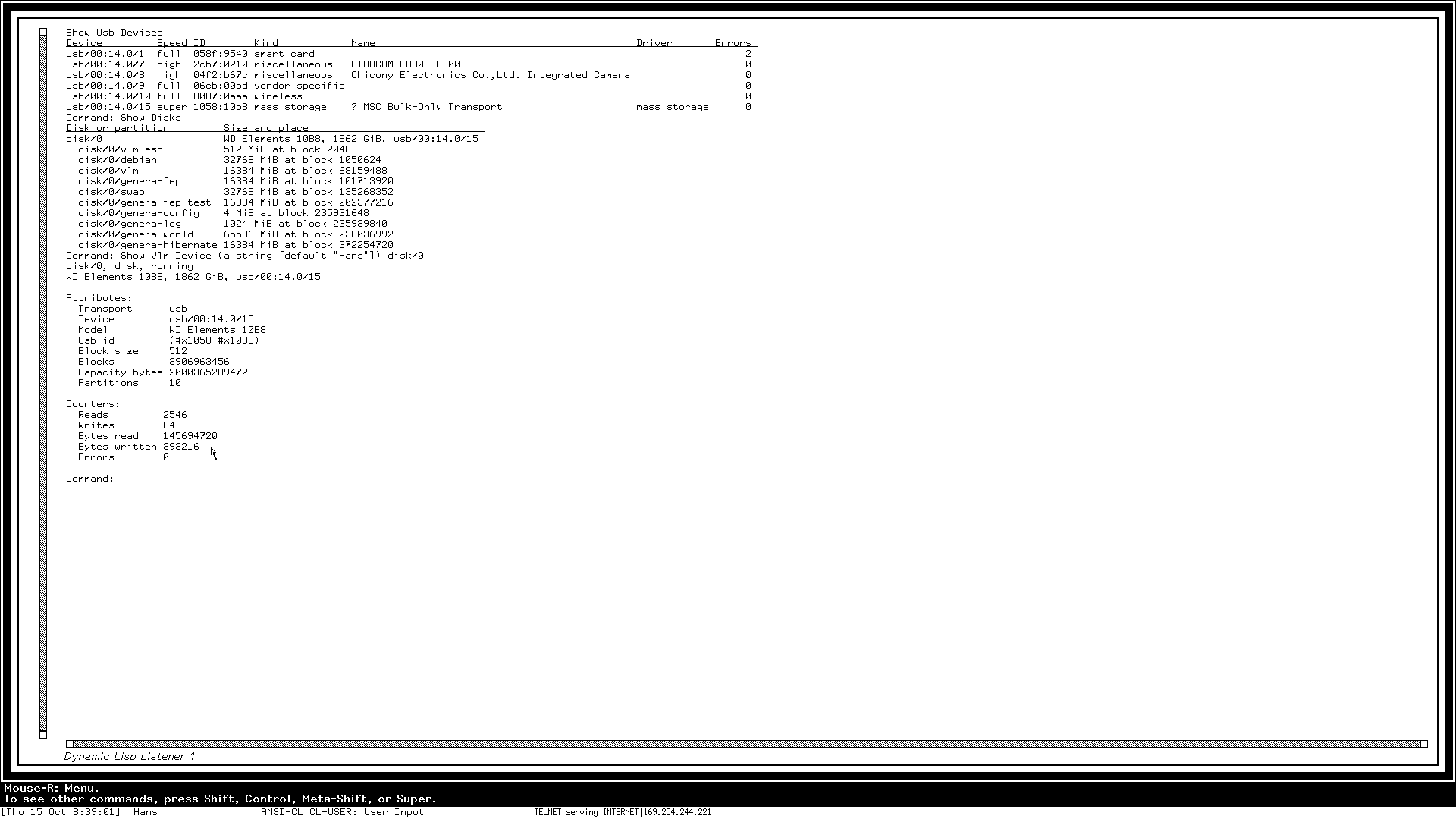
Genera sees the hardware it runs on. The runtime describes the machine as named objects — the system, its processors, PCI functions, USB controllers and devices, disks and their partitions, the network interface, keyboard and pointer — with their identities and counters, and Genera lists them with new commands: Show VLM Hardware, Show VLM Device, Show USB Devices and Show Disks. Every driver that comes next brings its objects along, so Genera can watch and control all of the machine.
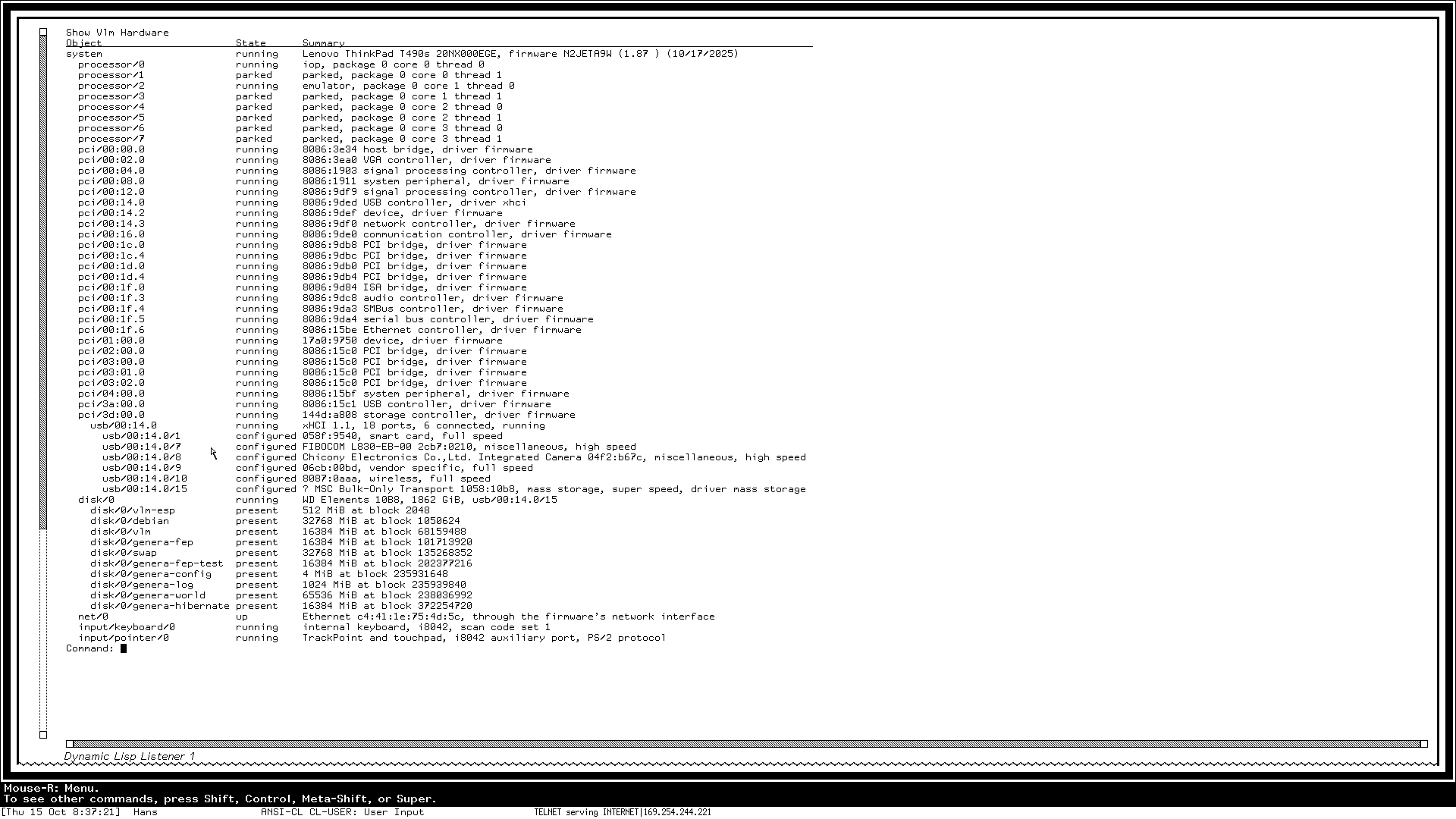
Show VLM Hardware on the laptop's own console: the machine as Genera sees it, from the processors and PCI functions to the USB devices, the disk's partitions, the network interface, keyboard and pointer.
Show USB Devices, Show Disks and Show VLM Device disk/0: the USB devices the runtime drives, the disk Genera boots from with its partitions, and the disk's attributes and counters.