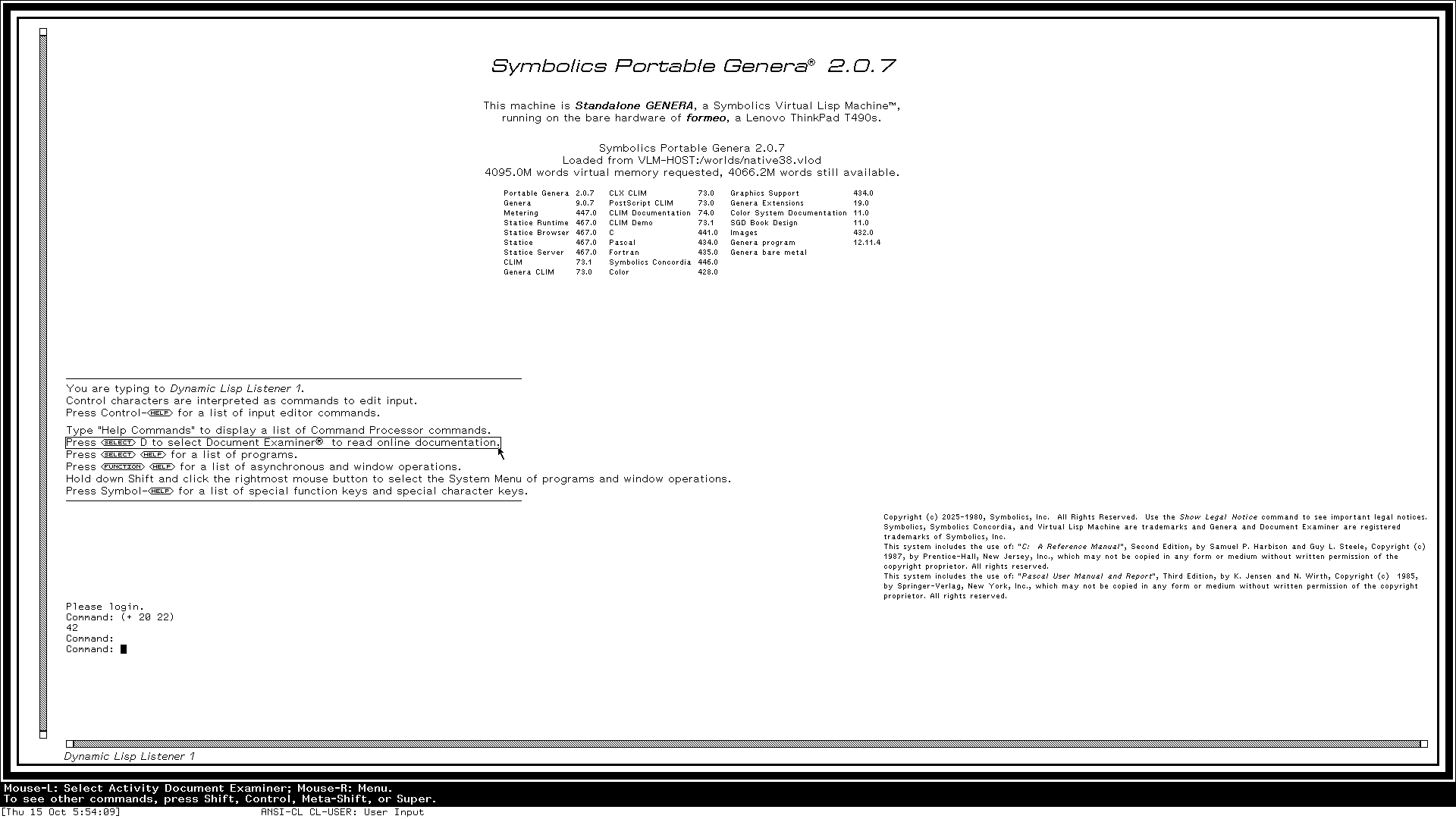
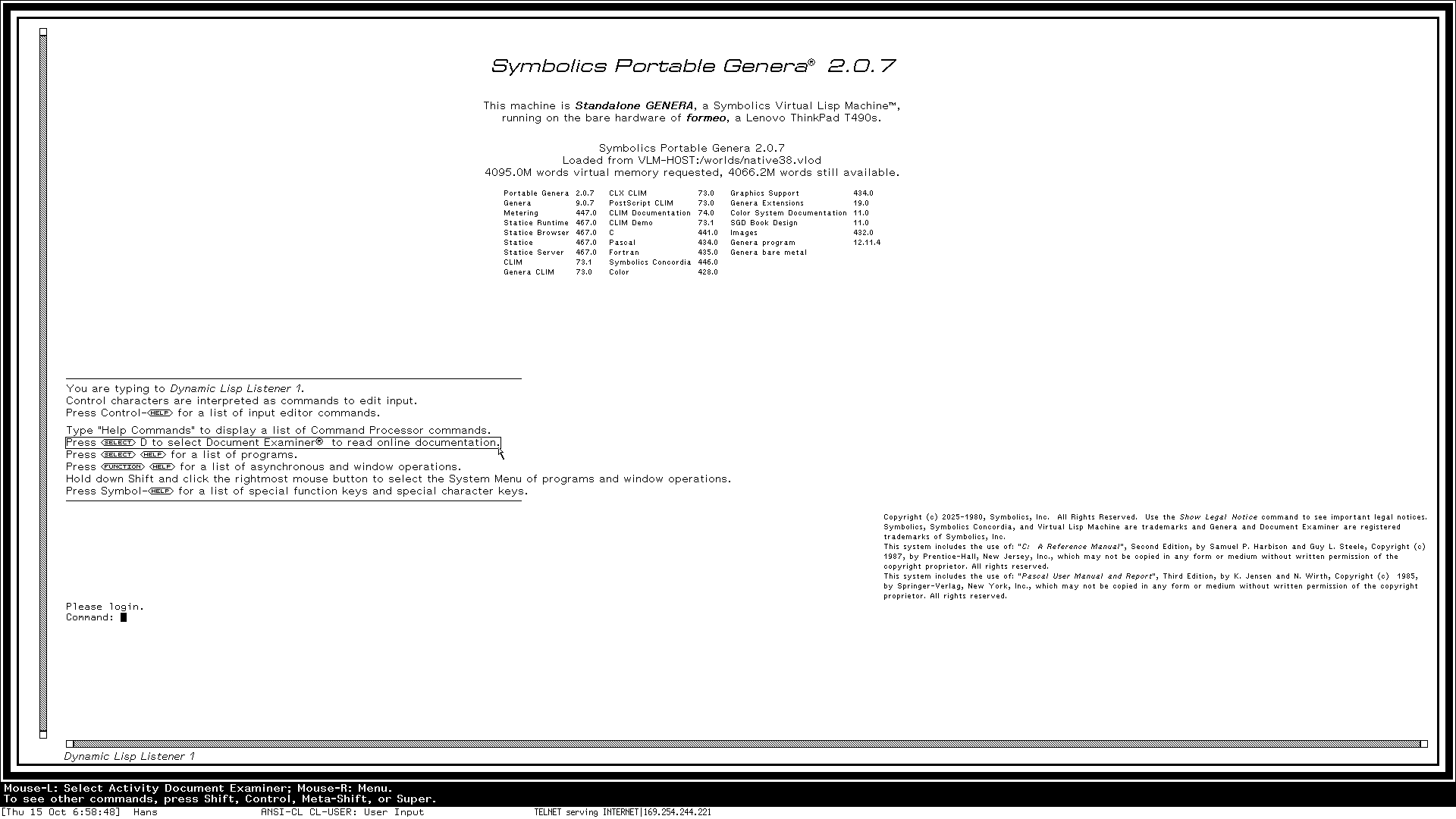
The laptop boots Genera as a UEFI application, with no operating system underneath. The emulator has a processor core to itself. Genera's screen fills the internal panel at 1920×1080 and repaints in a few milliseconds. The keyboard, TrackPoint and touchpad work through drivers of the runtime's own. Worlds load from and save to the runtime's own disk partitions, and Genera is on the network through a USB Ethernet adapter. Disk and network still go through the firmware's drivers, as the first step of the road map intends.
The Ethernet adapter is cabled to a Mac, which drives the laptop from there: it logs in to Genera over TELNET and evaluates Lisp forms, Genera sends it screenshots on request, and the runtime's log arrives on the Mac line by line as it is written, from the first moment of the boot to the reset.
Every boot leaves its log on a partition of its own, and a crash leaves a record in the firmware's variables; boot attempts run unattended and return to Linux by themselves. The code is in the VLM repository.